Select multiple items on the scheduler and Copy-Paste/Loop them
You can select single or multiple items on the scheduler and copy them.
Start by clicking any scheduled item on the scheduler; the selected item will be colored in royal blue.
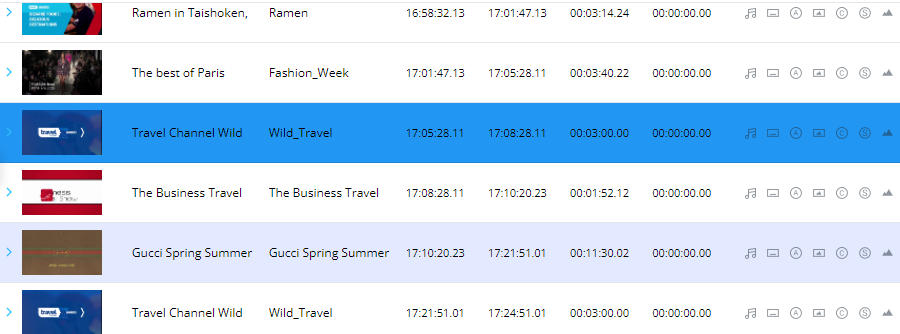
You may also select multiple items by holding the "Shift" key.
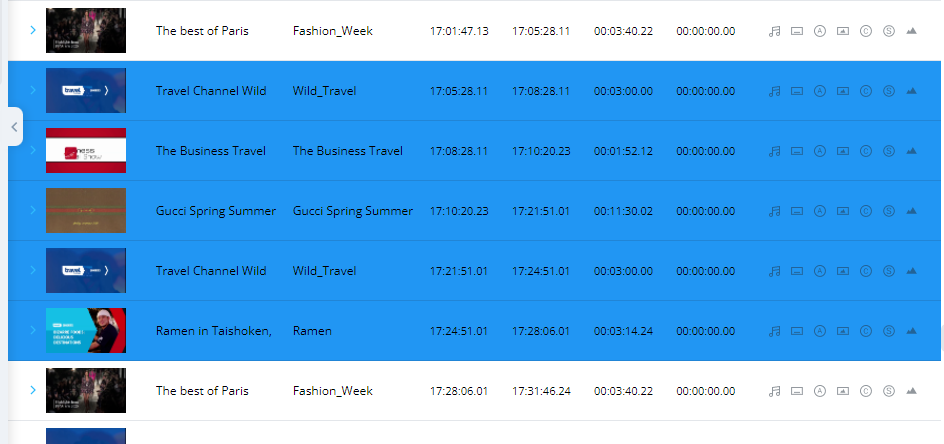
Notice in the image above all selected items was colored in the royal blue color.
After performing your selection, right-click any of the selected items, here you have 2 options:
- Remove from calendar - remove all selected items from the schedule.
note this will create a gap with a total duration of the selected items - Copy selected shows - Copy the selected item(s)
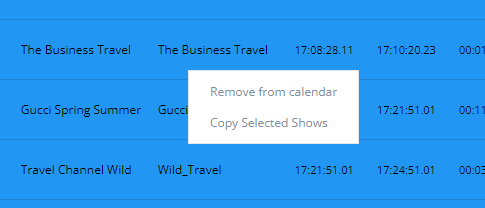
Selecting to copy the shows, will add 3 new options in the right-click menu
- Paste before - Paste the copied items before the item(s) you right-clicked
- Paste after - Paste the copied items after the item(s) you right-clicked
- Loop Paste... - Paste the copied shows in a loop.
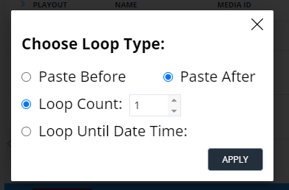
This option will open a pop-up window, here you will have 2 options on how to perform your loop paste- Loop Count X - Loop the copied items an X amount of times
- Loop Until Date Time - Loop the copied items until a specific time and date