Generating an HLS preview
To generate an HLS preview of any of the existing channels, hover over any one, and select the 'HLS link' Option.
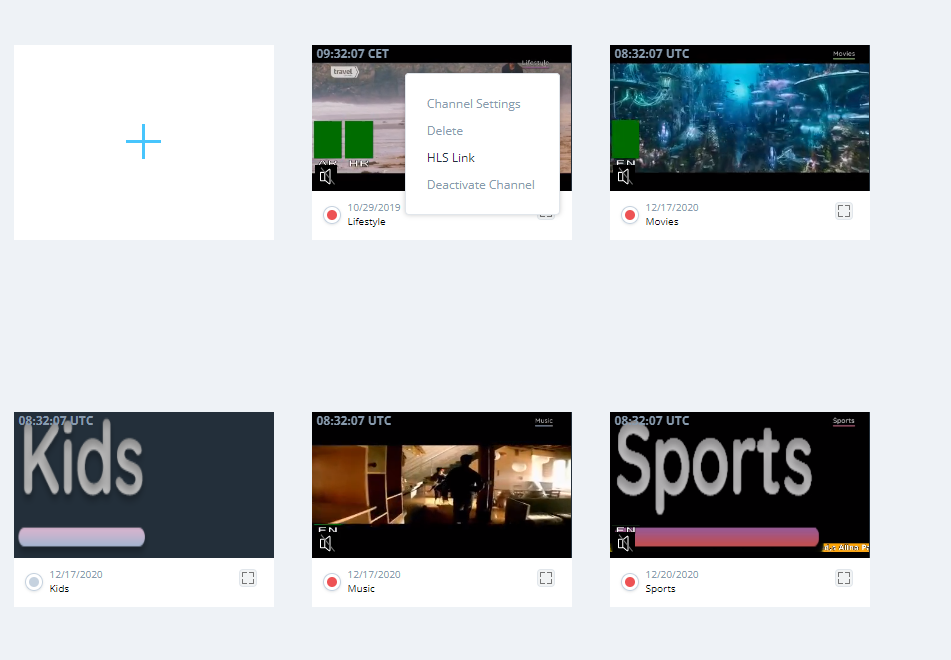
Then, select when you would like the link to expire, and click 'Create'; this will generate an HLS preview link of your selected channel.
once the link is created, click 'Go To' to open a new tab with the HLS link preview
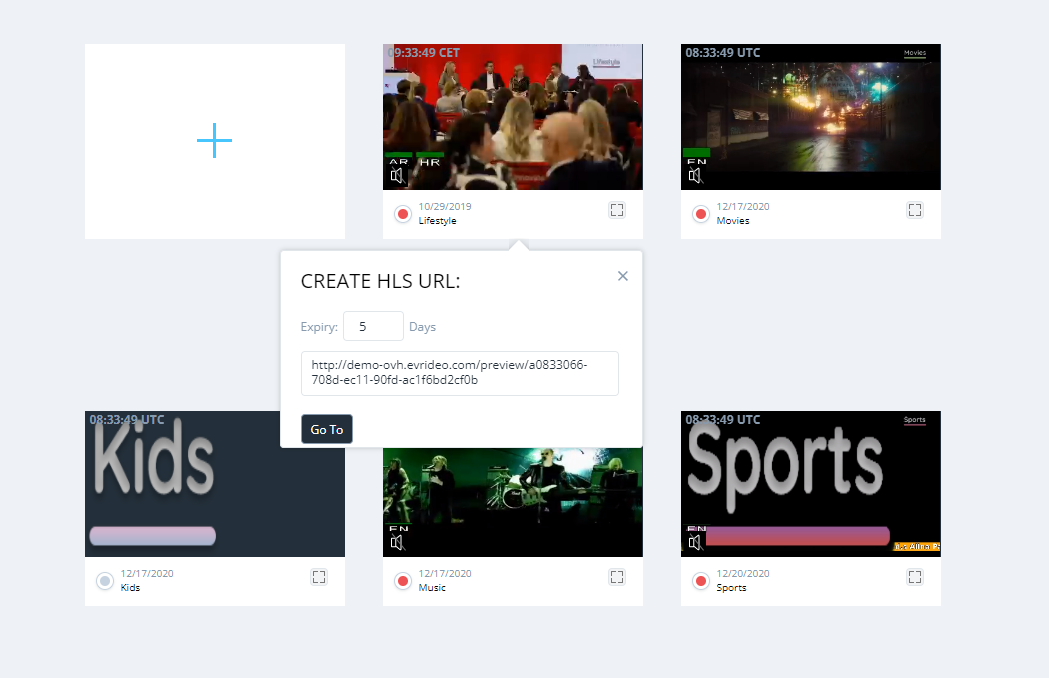
The HLS link preview can be shared with anyone and expire in the number of pre-defined days.