
How to Login to your Evrideo tenant on the Evrideo platform.
To perform your first login - follow these steps:
- Go to Evrideo's login page
- Download google authenticator from the app store.
From Google Play or the IOS App store


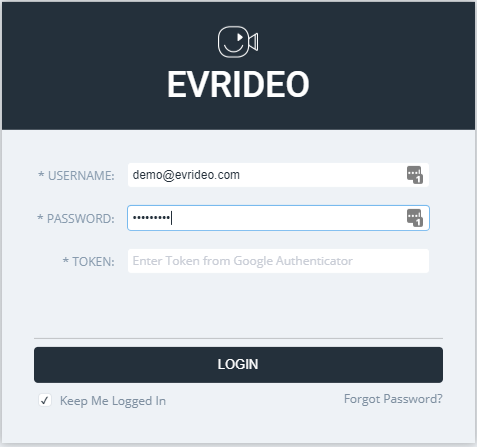
- Enter your username and password that you had previously set with your account manager and click login.
- This will take you to a QR code page that you need to scan with the google authenticator app.
- You will receive refreshable tokens that you should fill in along with your password from now on.

Tip: You can download the "Authanciator" google chrome extension for a quicker token generation
6. Enter your Username, Password, and Token in the login page
Good luck!