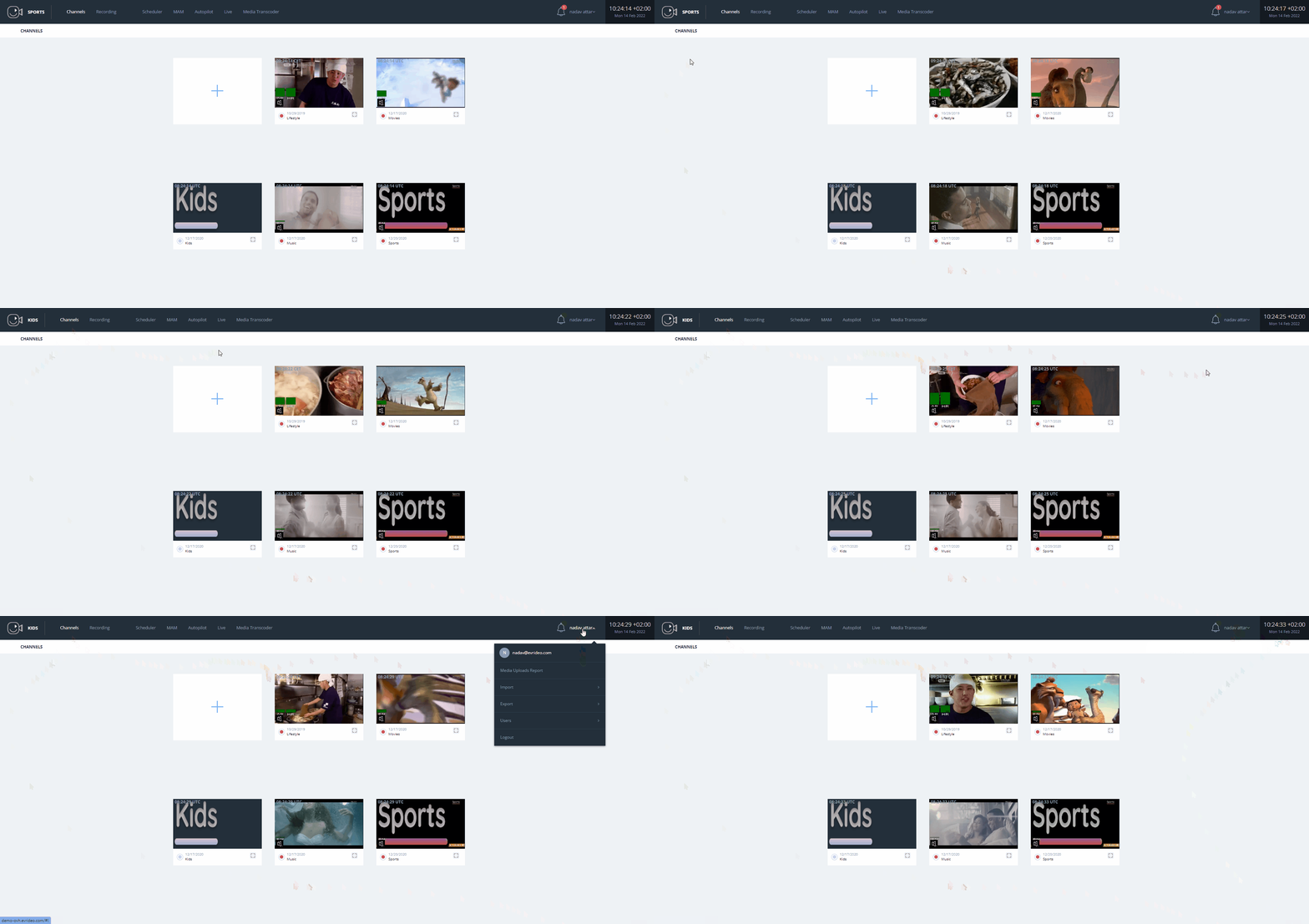
Overview of the 'Channels Page'
The Channels page is the first page you see after your first login. In this section, we will study the general user interface and features included in the Channels page.
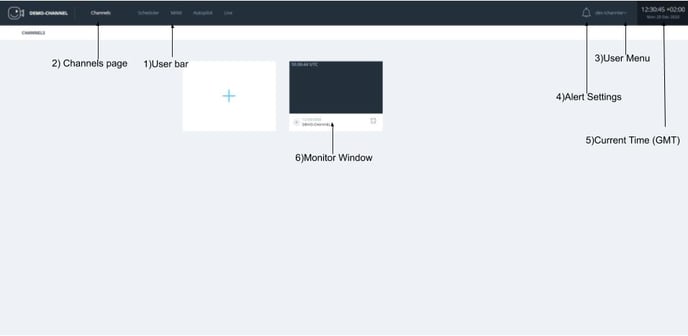
- User Bar - The user bar is always visible. It shows the current time (GMT), the User Menu, Channels page, Scheduler, MAM, Autopilot, and live.
- Channels - The “Channels” button allows quick and easy access to the channels page.
- User Menu - The User Menu shows general and global commands from the drop-down menu.
- Alerts settings - Allows you to set the preferences for the alerts
- Current Time - Current local time, indicates the channel's time.
- Monitor Window - Real-Time Channel preview.